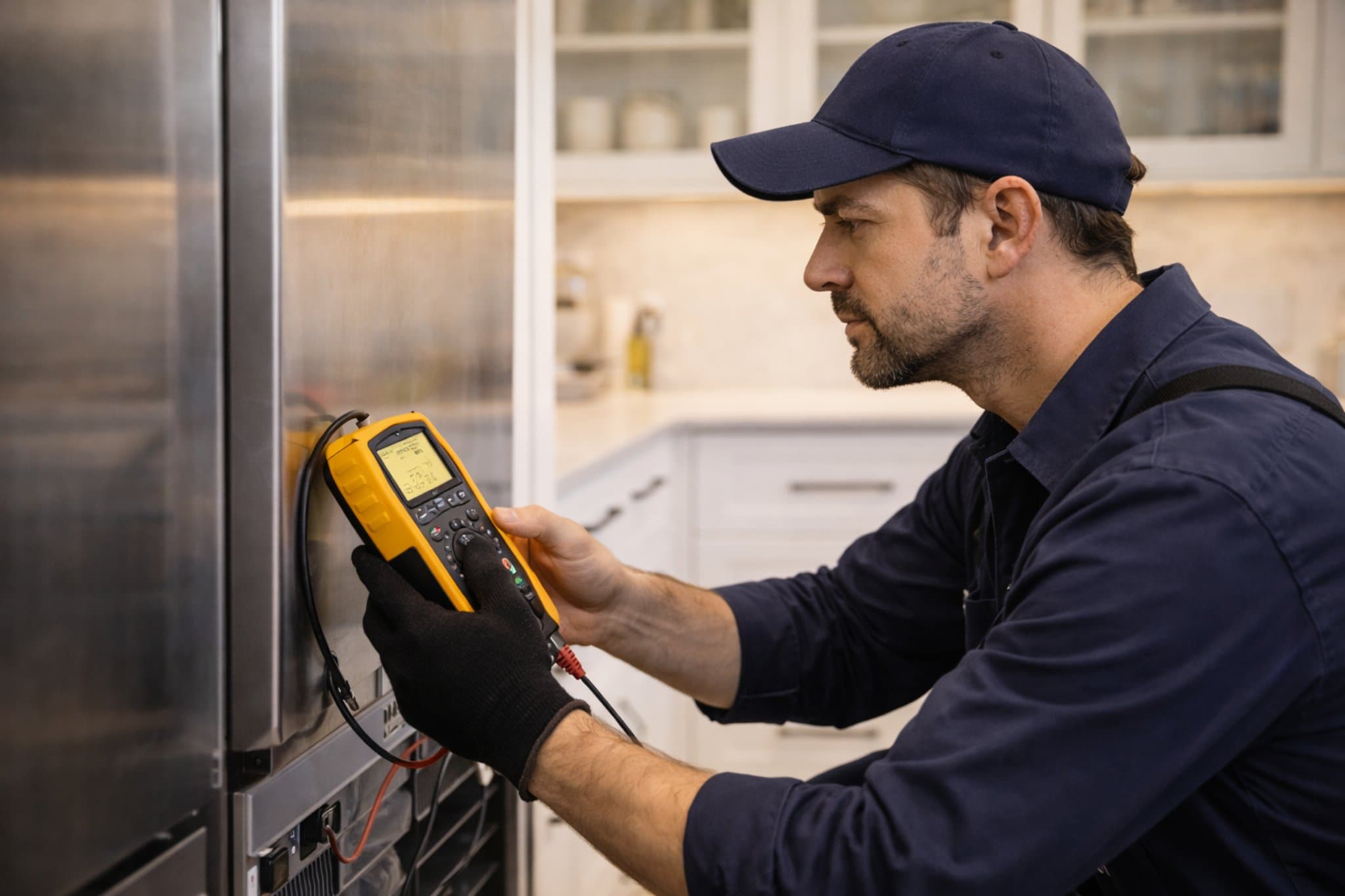
- Service
- Smart appliance diagnostics
- Category
- Advanced Diagnostics
- Coverage
- South Florida
Common symptoms
App connection problems
The appliance appears offline in the app, will not pair, or keeps dropping its connection.
Error codes or alerts
The unit shows recurring fault codes, sensor warnings, or unexplained notifications.
Unresponsive controls
Buttons, touch panels, or cycle settings do not respond as expected even though power is present.
Inconsistent performance
The appliance starts, stops, or behaves unpredictably because of a sensor, board, or communication issue.
Feature failures
Smart features such as remote start, alerts, or cycle monitoring stop working while basic power remains on.
Repair process
Initial symptom review
We start by reviewing what the appliance is doing, when the issue began, and whether any app messages or error codes are present.
Connectivity and setup check
Next, we verify network, pairing, and app-related settings to rule out common communication problems.
Sensor and control inspection
We check sensors, wiring, and control components that can trigger false readings or prevent normal operation.
Functional testing
The appliance is tested through key cycles and smart functions to isolate the fault and confirm the failing part of the system.
Repair path recommendation
Once the issue is identified, we explain the likely repair path so you can decide on the next step with clear information.
What smart appliance diagnostics covers
Smart appliance diagnostics focuses on the systems that make a connected appliance communicate and operate correctly. That includes Wi-Fi and app connectivity, sensors, control boards, touch interfaces, and internal communication faults. It is especially useful when a machine seems mechanically fine but fails because its electronics or software are not behaving properly.
When to book diagnostics
Book a diagnostic visit when the appliance is online one moment and offline the next, when the app reports repeated errors, or when smart features stop working after a power interruption or update. It is also a good choice when the unit runs inconsistently and simple resets do not solve the problem.
South Florida service area
Appliance Fix Guru provides smart appliance diagnostics for homes in Kendall, Pinecrest, Palmetto Bay, Cutler Bay, South Miami, and Coral Gables. If your connected appliance is acting up, localized troubleshooting can help narrow the issue quickly and reduce unnecessary part changes.
Maintenance tips
Frequently Asked Questions
What kinds of appliances can benefit from smart diagnostics?
Connected refrigerators, washers, dryers, ovens, dishwashers, and similar appliances can all benefit when the issue involves software, sensors, controls, or connectivity.
Is the problem always the Wi-Fi network?
No. A connection issue can come from the network, app setup, appliance pairing, sensors, wiring, or the control system itself.
Can a smart appliance still have a mechanical problem?
Yes. Smart features may show the symptom first, but the root cause can still be mechanical or electrical. Diagnostics help determine where the failure starts.
Why does the appliance work manually but not through the app?
That usually points to a communication, pairing, or settings issue rather than a full appliance failure, but diagnostics are still needed to confirm it.
Do I need the model number before scheduling?
Having the model number helps, but a technician can often begin troubleshooting with the symptom description, error code, and appliance type.
Related locations
Need smart appliance diagnostics support?
Use the contact route to request service, diagnostics, or to clarify whether the issue fits residential or commercial workflows.